Welcome to SoCal Mesh

We are building an open source LoRa communications network in Southern California.

Learn more about the network ↓

About

About SoCal Mesh

No cell towers. No internet. Just radios, and the people who run them.

What is SoCal Mesh?

SoCal Mesh is a community of individuals working to build a network of Meshtastic radios in Southern California. This network acts like an area-wide text messaging system, allowing people to communicate publicly or privately with anyone on the network. The mesh network can also be used to transmit GPS locations or read weather and other telemetry. All of this happens without any external infrastructure. No cell phone towers, no internet. We have hundreds of nodes and are growing every day. Please join us and feel free to ask questions on our Discord.

What is Meshtastic?

Meshtastic is an open source, decentralized, off-grid mesh network. It is made up of small communicators that can form a mesh network. These communicators can be linked to a phone via Bluetooth or Wi-Fi. Meshtastic uses inexpensive LoRa radios as a long-range communication platform. Learn more at the official Meshtastic website.

How it works

People across Southern California run nodes. Some are at home, some sit on hilltops, some live in a backpack. The radios talk to each other over LoRa in the 915 MHz band used in the US. The exact frequency comes from the preset and frequency slot you set, which is why it matters that we all use the same ones. They mesh using the open source Meshtastic firmware. You pair your own node to your phone over Bluetooth or Wi-Fi, and the node handles the radio side. Messages hop from node to node, so the network reaches further than any single radio can, and it keeps working when one node drops off.
Channels

The channels we run

Start on LongTurbo, frequency slot 14. It is the factory default as of firmware version 2.8.0, but is also available on 2.7.26.

Start on LongTurbo, Slot 14

This is the factory default as of firmware version 2.8.0. Set your region to US and a new radio is already on it, because LongTurbo with the slot left alone resolves to 14. For most people that means there is nothing to change here at all.

Why LongTurbo?

The "Turbo" presets are the only settings which comply with FCC CFR 15.247
(a)(2): "Systems using digital modulation techniques may operate in the 902-928 MHz, 2400-2483.5 MHz, and 5725-5850 MHz bands. The minimum 6 dB bandwidth shall be at least 500 kHz."
(b) "The maximum peak conducted output power of the intentional radiator shall not exceed the following:" (3) "For systems using digital modulation in the 902-928 MHz, 2400-2483.5 MHz, and 5725-5850 MHz bands: 1 Watt."

How to tell what is near you

Check our live map for LongTurbo slot 14 nodes around you. Remember a node only reaches a map if its owner switched on OK to MQTT, so there are always more nodes on the air than any map displays. An empty patch is not proof nobody is there.

Set both the preset and the frequency slot. Type the slot number in rather than leaving it at 0. On 0 the radio works its frequency out from the primary channel's name, which is fine on a factory-fresh radio and stops being fine the moment anything has renamed that channel.

New here?

Start here

From an unopened radio to your first message on the mesh.

  1. Get a radio

    Any Meshtastic-compatible LoRa radio for the US 915 MHz band. Ask on Discord before you buy, and people will tell you what is working for them right now.

  2. Flash it

    The official web flasher installs the firmware straight from your browser. Use Chrome or Edge, because it needs WebSerial. Meshtastic web flasher

  3. Set the channel

    Region US, preset LongTurbo, frequency slot 14. Both settings, not just one. See the channels above.

  4. Say hello

    Send a message on the primary channel, and come say hi on Discord so someone can confirm they heard you.

Ask us on Discord

Maps

See the network

Four views of the mesh. None of them shows all of it.

  • meshview.socalmesh.orgCommunity-run

    Our live map, an instance of meshview that we run ourselves.

  • meshview.world

    Pulls together the meshview instances it knows about, ours among them, into one view.

  • meshmap.net

    Uplink to us and you appear here too. The wider map we have found most dependable, and it covers other regions as well.

  • meshtastic.liamcottle.net

    We share to this one as well, though it may show fewer nodes than meshmap does.

A node only reaches these maps if its owner switched on OK to MQTT, which is permission rather than an upload: it lets any gateway that hears you pass your traffic on. Plenty of people never turn it on, so there are always more nodes on the air than the maps show. Empty ground means nobody there is uplinking, not that nobody is there. How to turn it on.

Help

Getting started

Short guides written by people in the mesh.

Best practices for the SoCal Mesh

The settings this community recommends: channel, device role, hop limit and broadcast intervals, plus what actually makes a radio get heard.

How do I uplink to MQTT

SUSHI's settings for connecting your node to the SoCal Mesh MQTT server so your messages and position reach the community maps.

All help articles →

Photos

Out in the field

Nodes, antennas, meetups, and a waterfall full of LoRa.

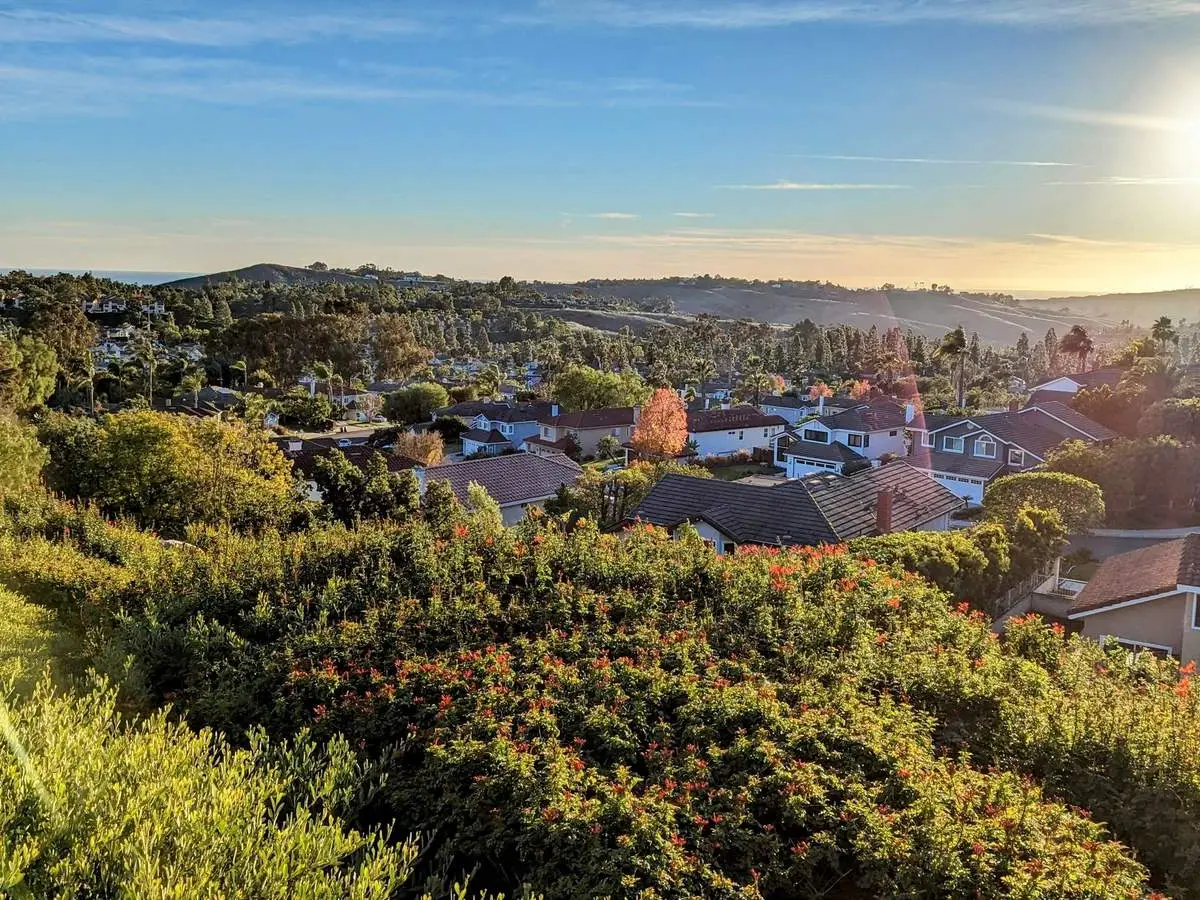
  • Coastal scrub on a hillside above a Southern California neighborhood at sunset
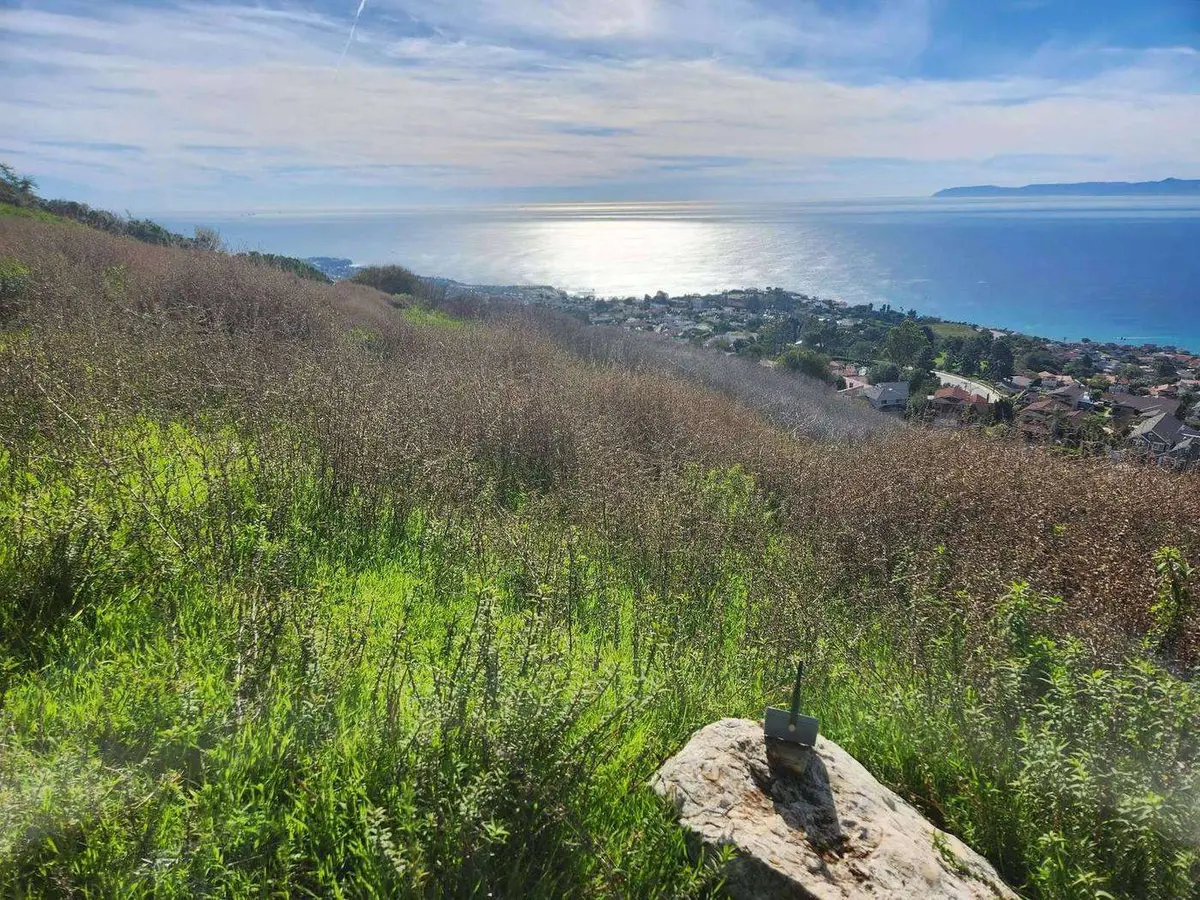
  • A green hilltop above the ocean, with a small node mounted on a rock
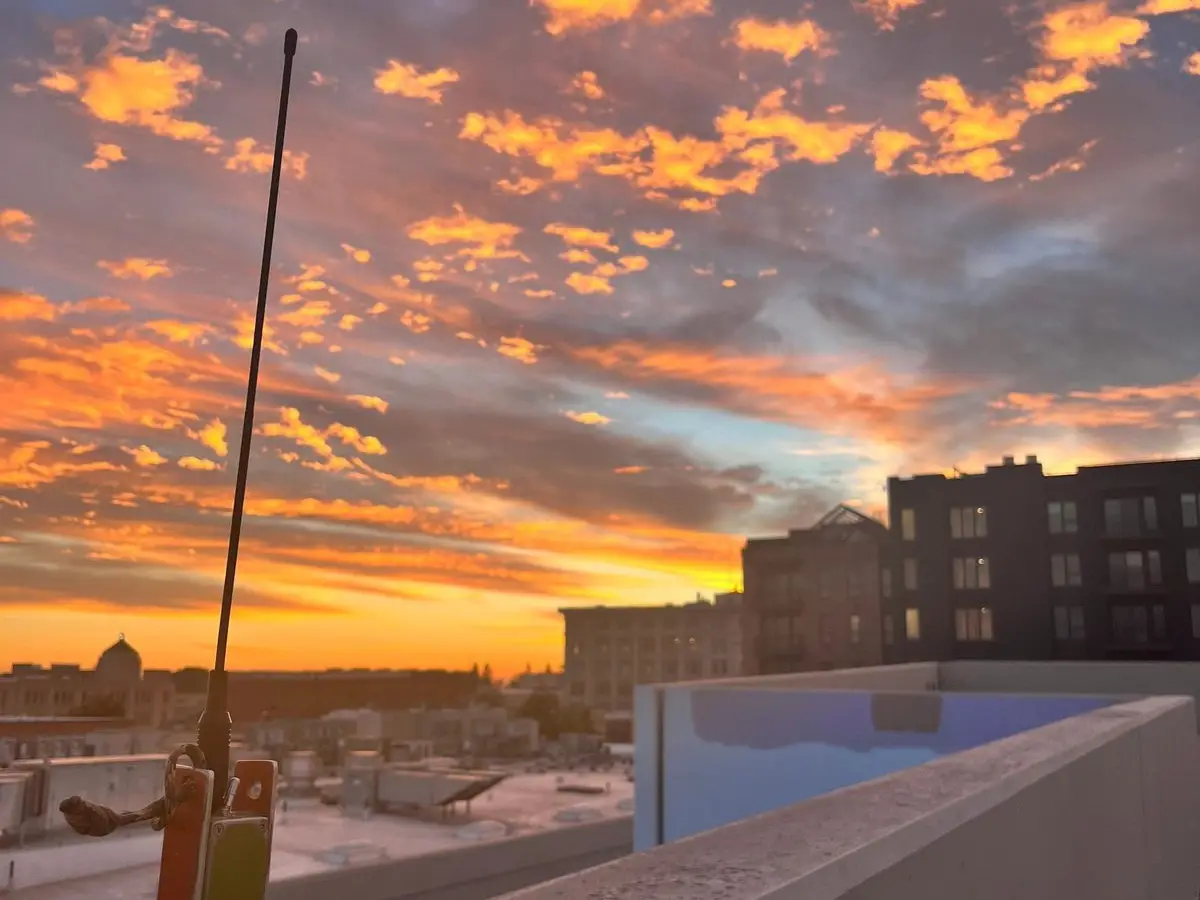
  • An antenna on a rooftop railing against an orange sunset sky
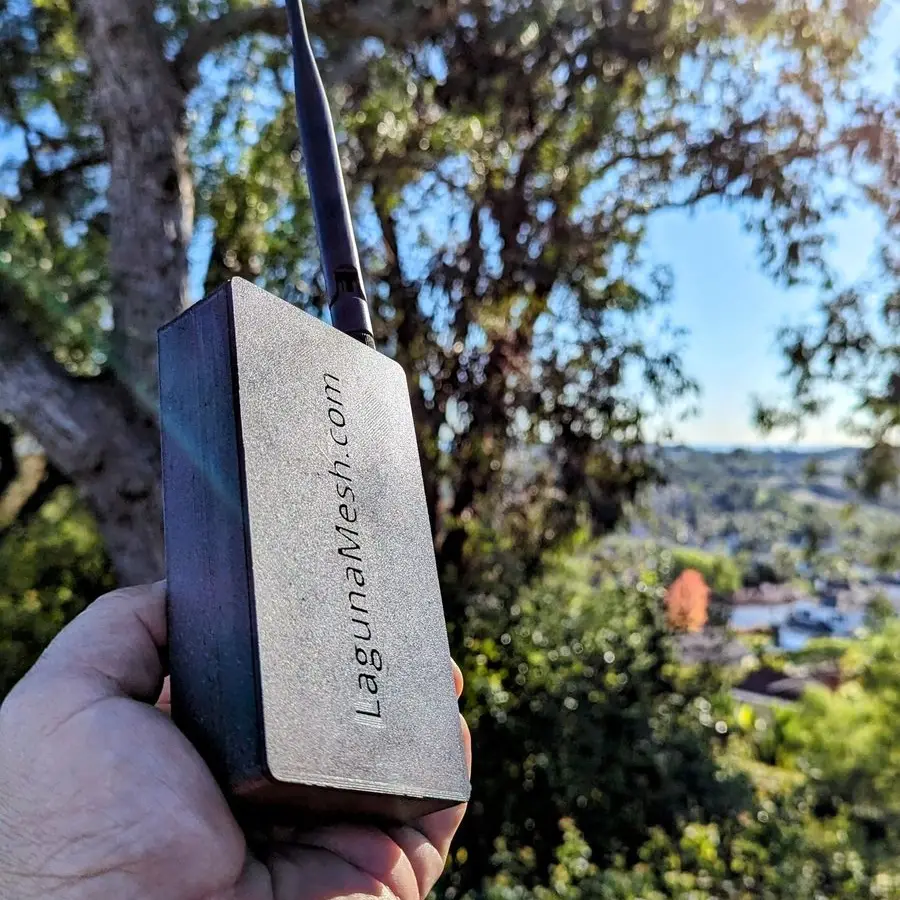
  • A hand holding a small node in a white case out on a trail
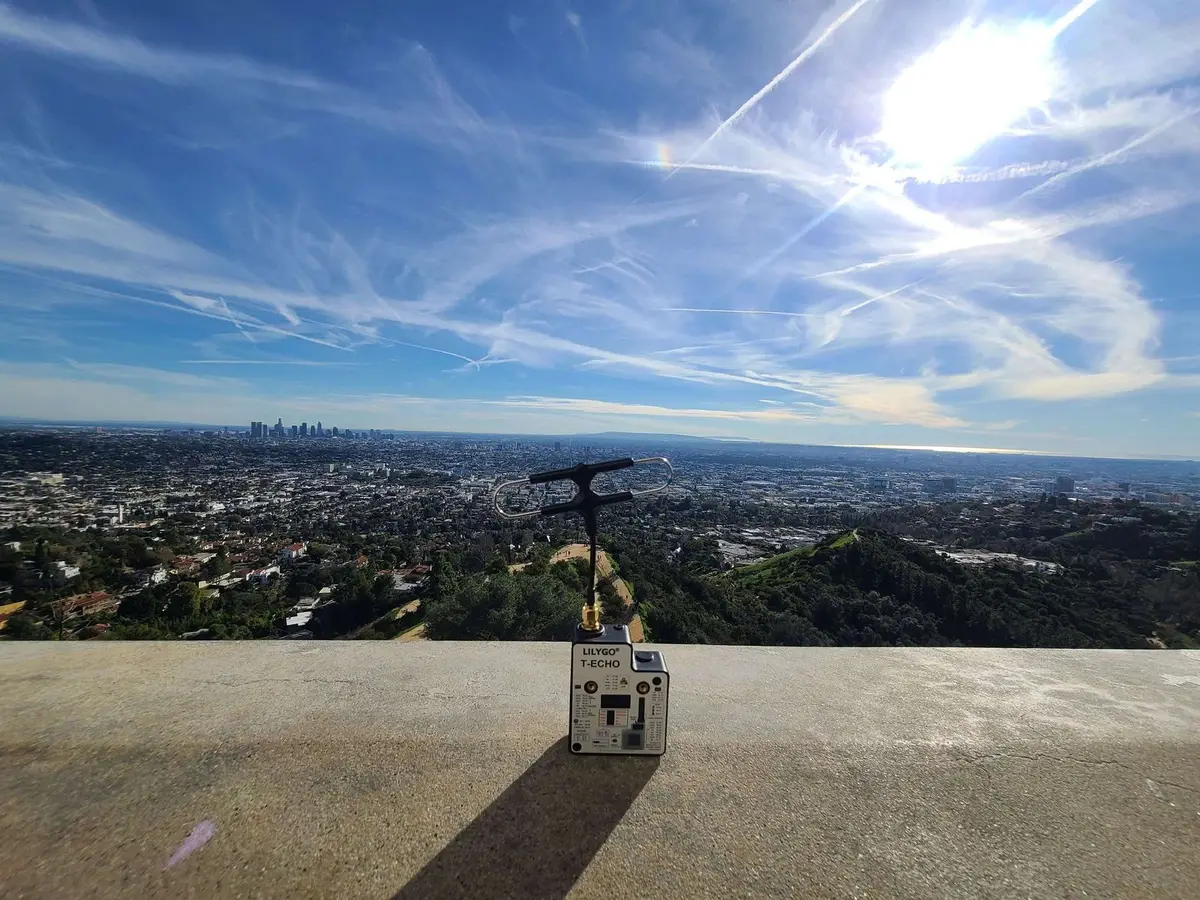
  • A node set down on a concrete overlook, with the Los Angeles basin behind it
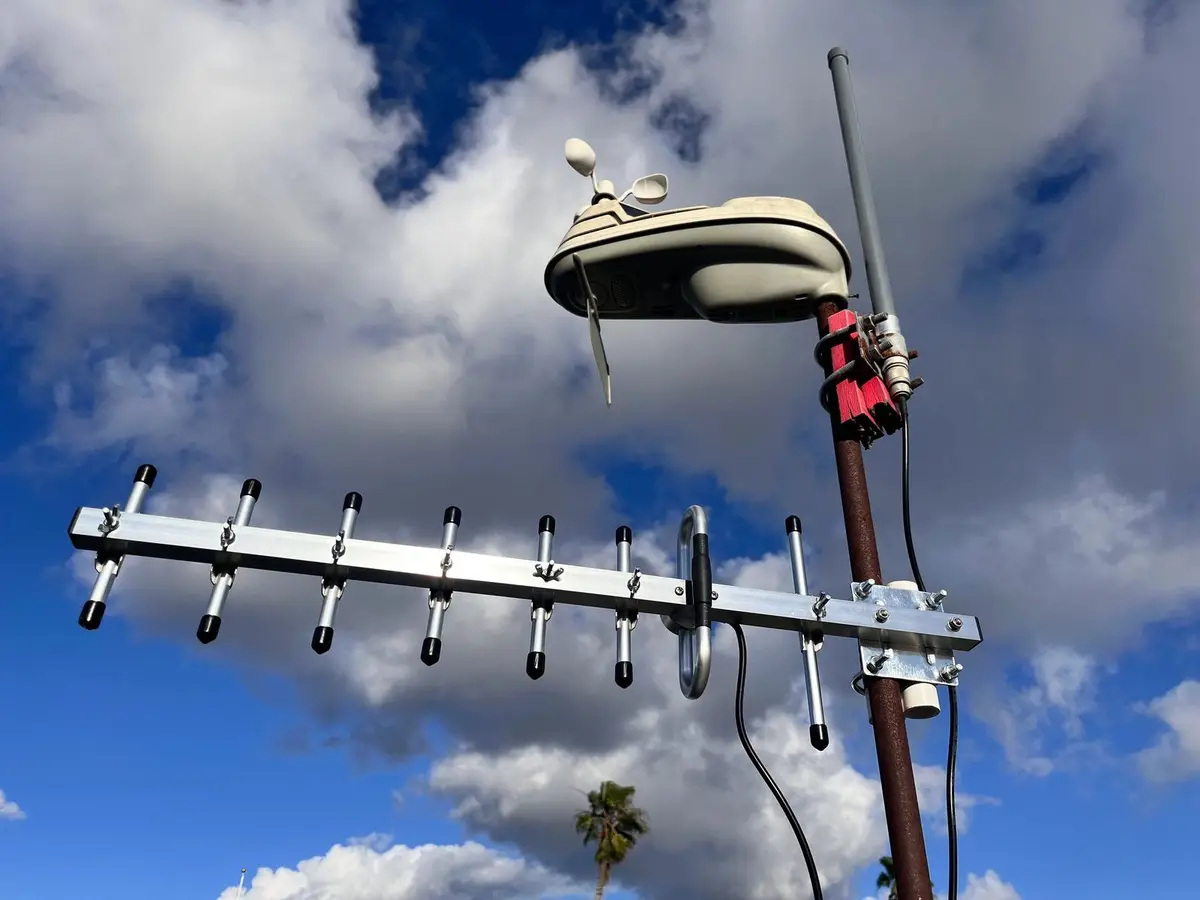
  • A directional Yagi antenna clamped to a mast, pointed into a blue sky
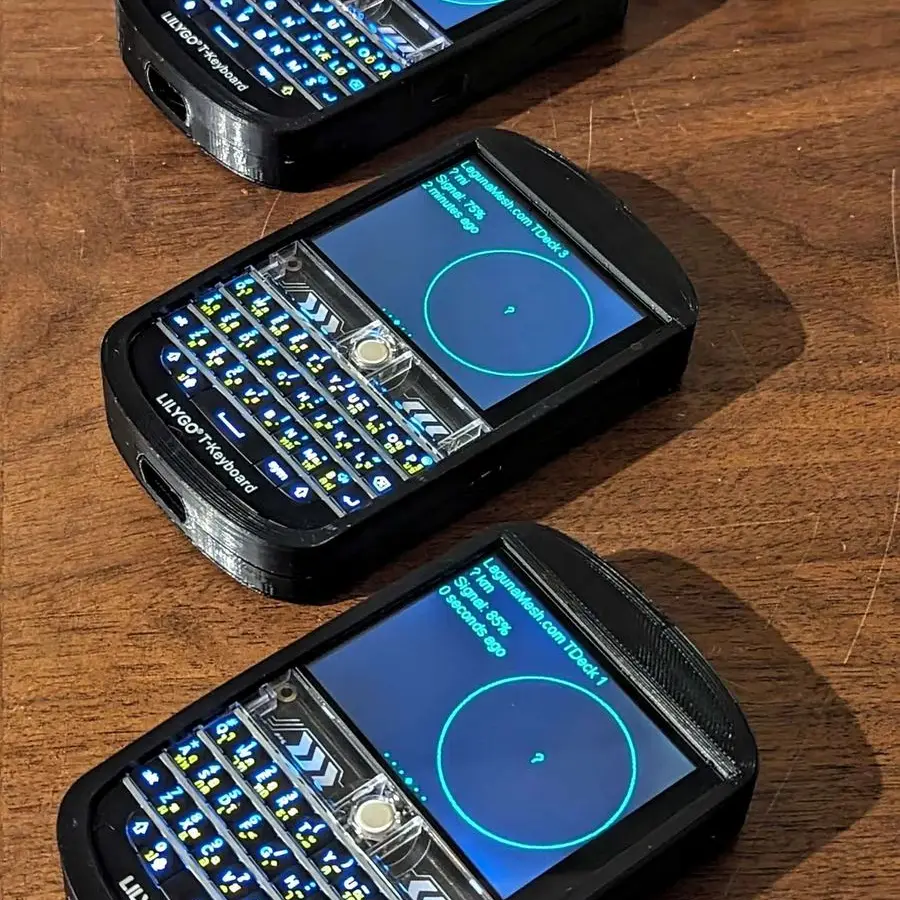
  • Three handheld radios with keyboards and blue screens laid out on a wooden table
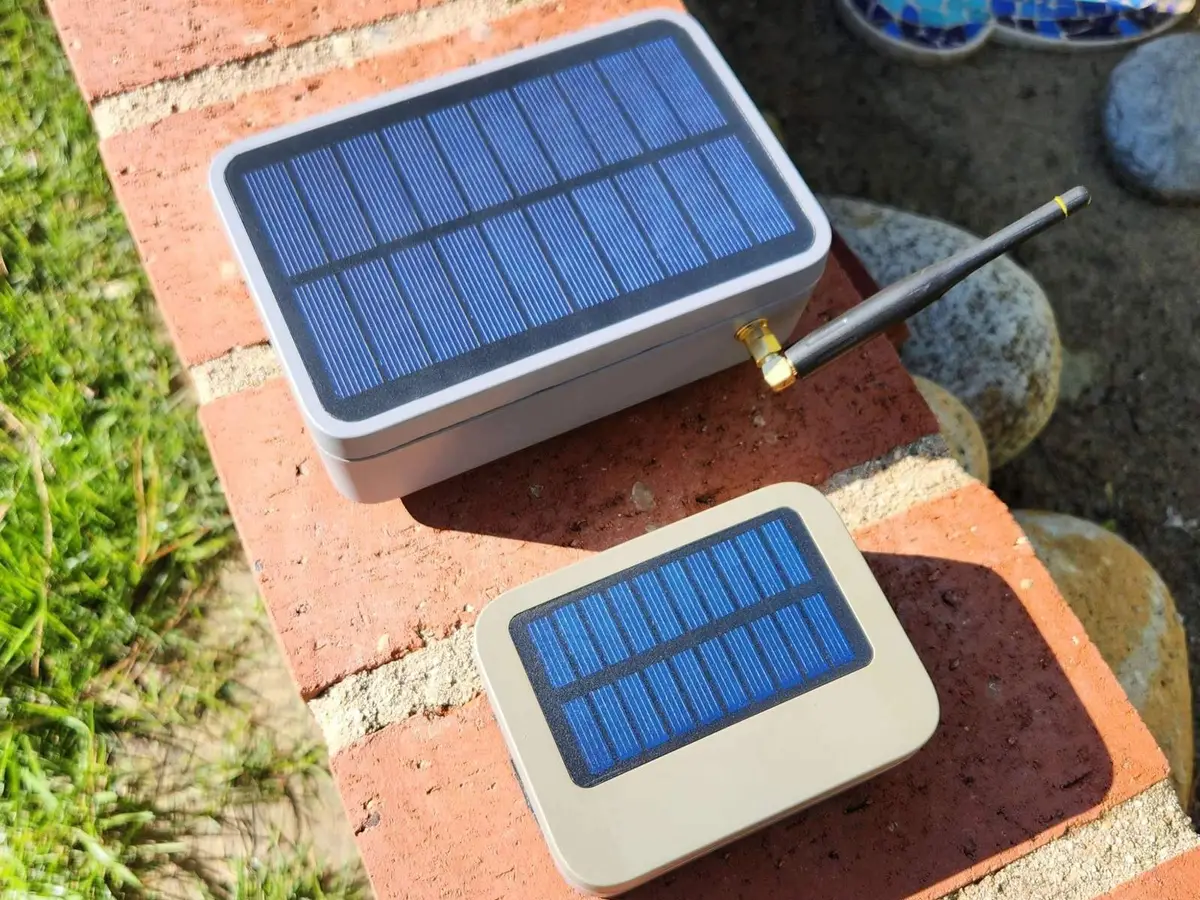
  • Two solar-powered node enclosures on brick garden edging, panels facing up
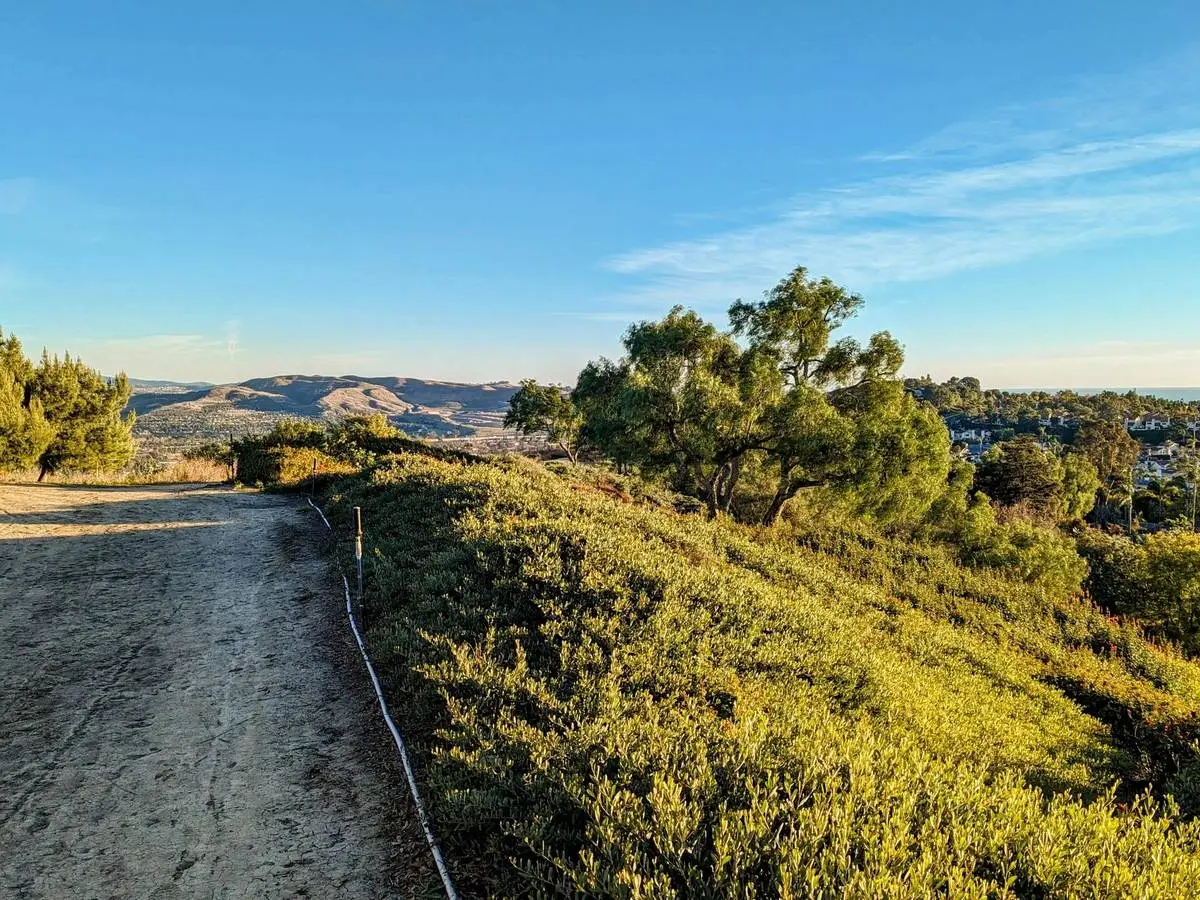
  • A dirt trail along a ridge of dry hills under a clear sky
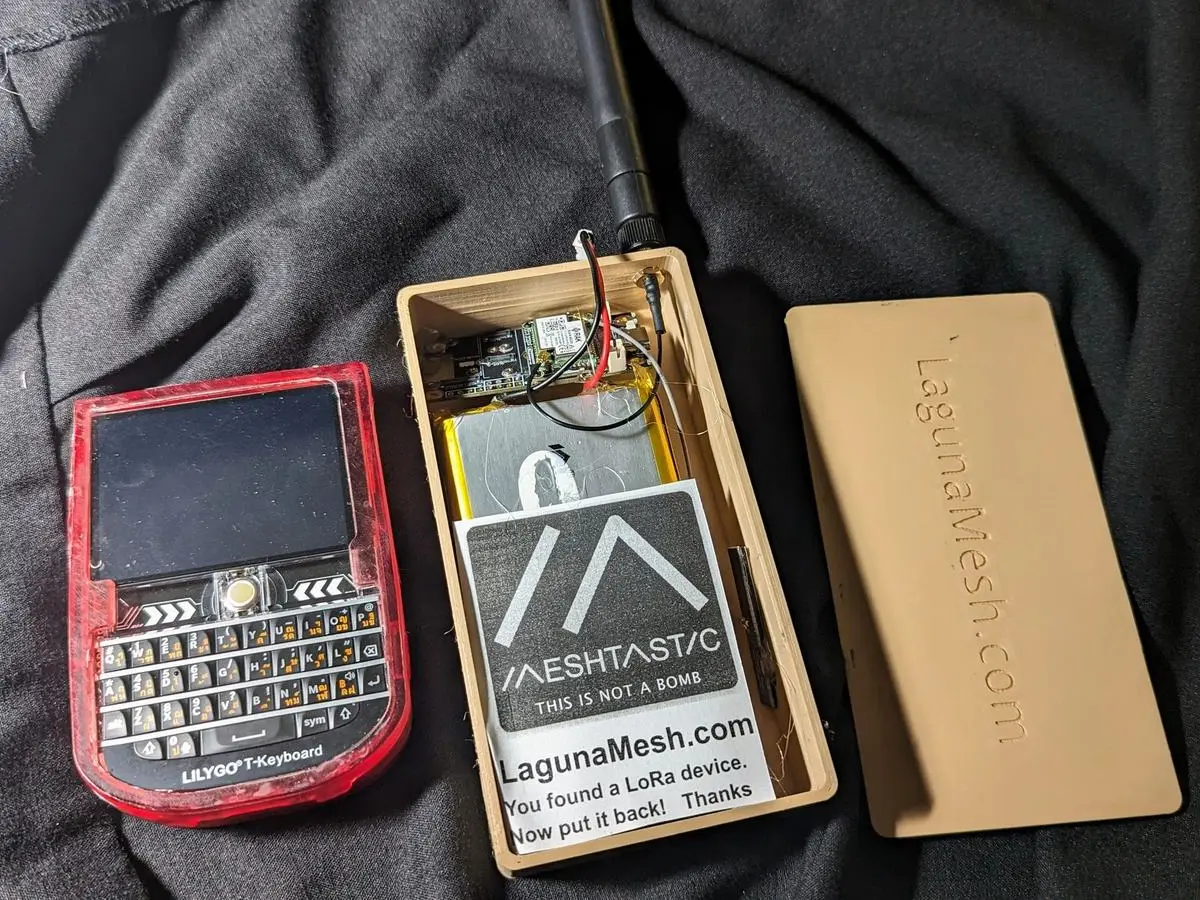
  • A keyboard handheld radio, a sticker and a battery pack on a dark cloth
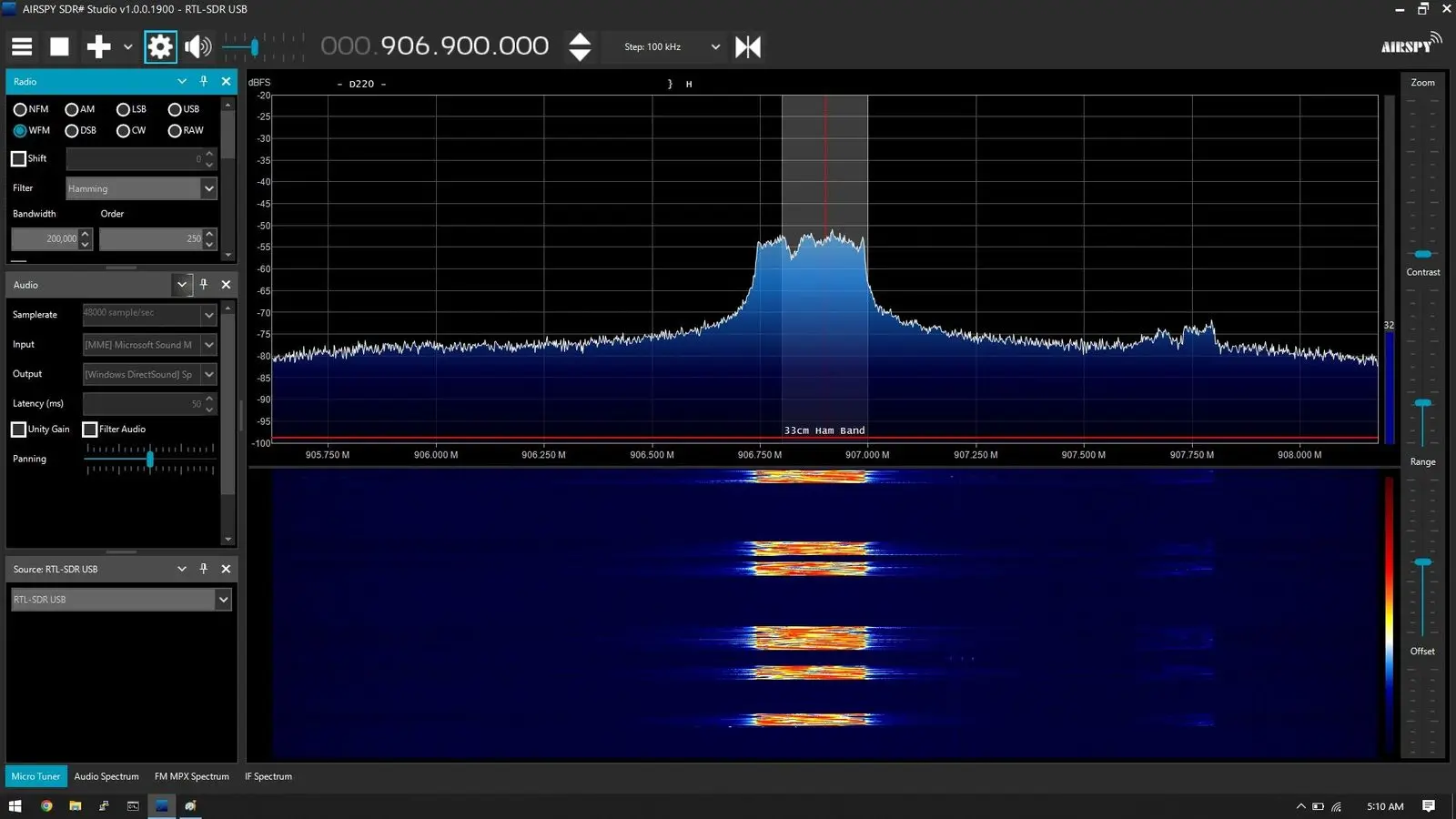
An SDR waterfall display showing bursts of LoRa traffic near 906.9 MHz

LoRa traffic on the 33 cm band, seen from an SDR.

Come say hi

Join our Discord

Discord is where the mesh lives: questions, node setups, coverage reports, and the parrot, our bot that echoes the messages it hears on the mesh into chat in real time. It is a friendly, helpful group. Come and introduce yourself whether you have your first node in your hands or have not bought anything yet.

Join us on Discord

New here? Start with the Quick Start post.

Community

Projects and links

Everything we run is open source.

We also lean on a handful of open source projects that are not ours, including the software behind our map and the parrot in our Discord. They are listed and thanked on the links page.

Join us on Discord